 Rideio
Your drive picks up
right where it stopped
Rideio plays the MP3 and MP4 files you copy onto your car's Android screen. Switch the car off mid-lecture, start it tomorrow, and it continues at the same second.
Coming soon to Google Play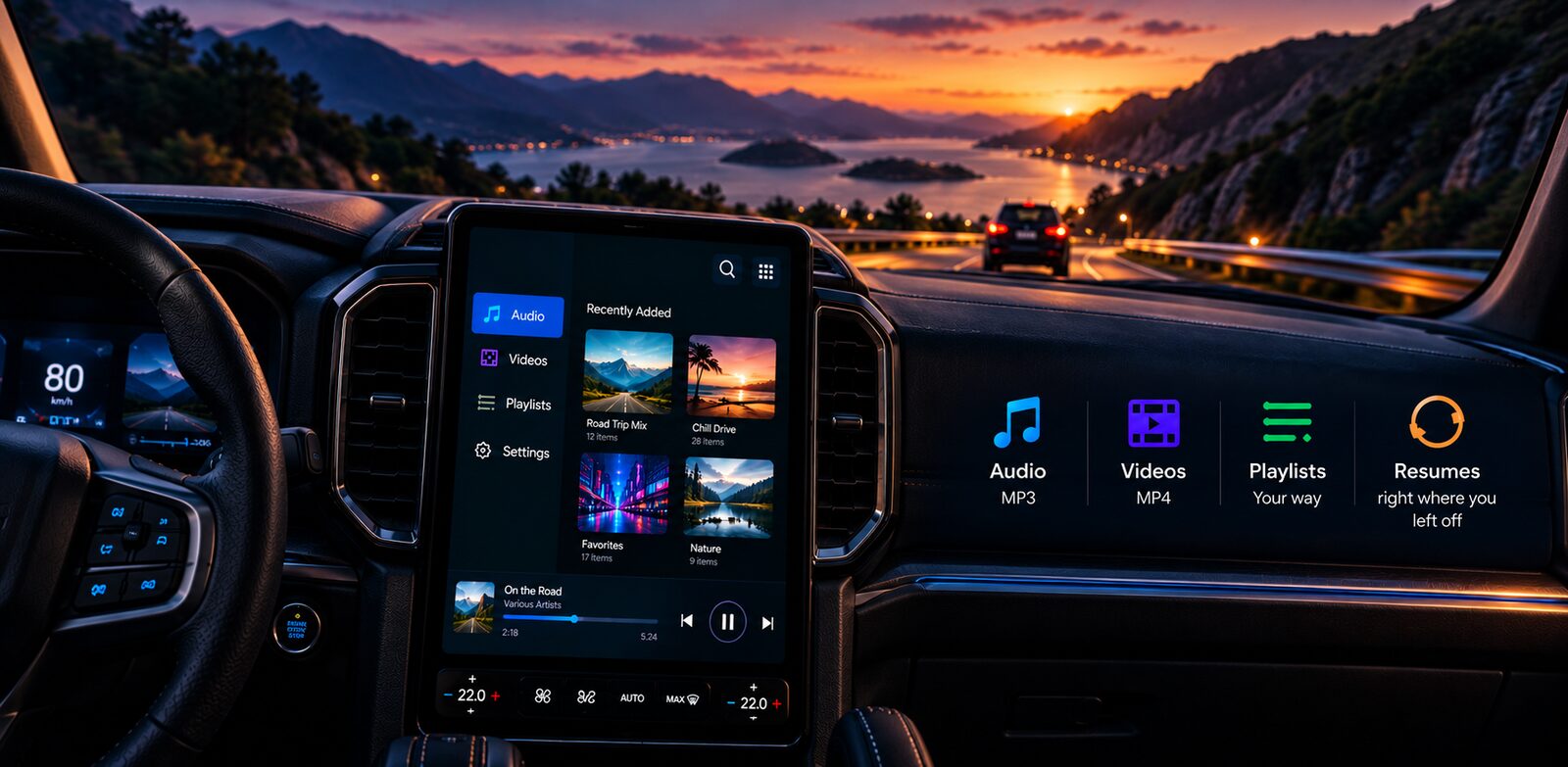
Made for the car
Continues after the engine stops
Rideio saves your place every second. Open it after a restart and it waits at the same spot, a few seconds back so you catch the sentence again.
Every file keeps its place
Long lectures and recitations each remember where you left them, and the volume you last used for them.
Big buttons for the road
Full screen shows three large buttons: previous, play and next, easy to reach with a glance.
Playlists your way
Put items in order, sort playlists by date or name, and browse them as a list or as cover tiles.
Audio and video
MP3 with its cover picture, MP4 in full screen, playback speed from 0.75× to 2×, and a sleep timer.
Everything stays in the car
Files are copied into the app, so they keep playing after the USB stick comes out. Rideio has no internet access and no account.
Fits your screen
Five layouts for wide car screens, tall car screens and phones, in landscape or portrait: side menu, big controls, bottom tabs, compact, and cover tiles.
Getting started
- Install Rideio on the car's Android screen.
- Tap Import and choose files from a USB stick or the device.
- Play, build playlists, and drive. The next time you start the car, open Rideio and tap Play.